
UltraTax CS
Thomson Reuters' tax engine for mid-to-large firms; anchor of the CS Professional Suite.
| Category | Tax Preparation |
|---|---|
| Best for | Mid · large firms |
| Pricing | Custom quote · 22.9% share |
| Integration | Export only |
| Official site | tax.thomsonreuters.com/us/en/cs-professional-suite/ultratax-cs |
How it connects. It has no public API; data moves in and out by file export. Compare every tool by integration openness →
UltraTax CS pros and cons
Pros
- Depth on par with Lacerte for complex individual and entity work
- Part of the CS Professional Suite — with Practice CS, Fixed Assets CS, and Workpapers, the pieces genuinely interlock
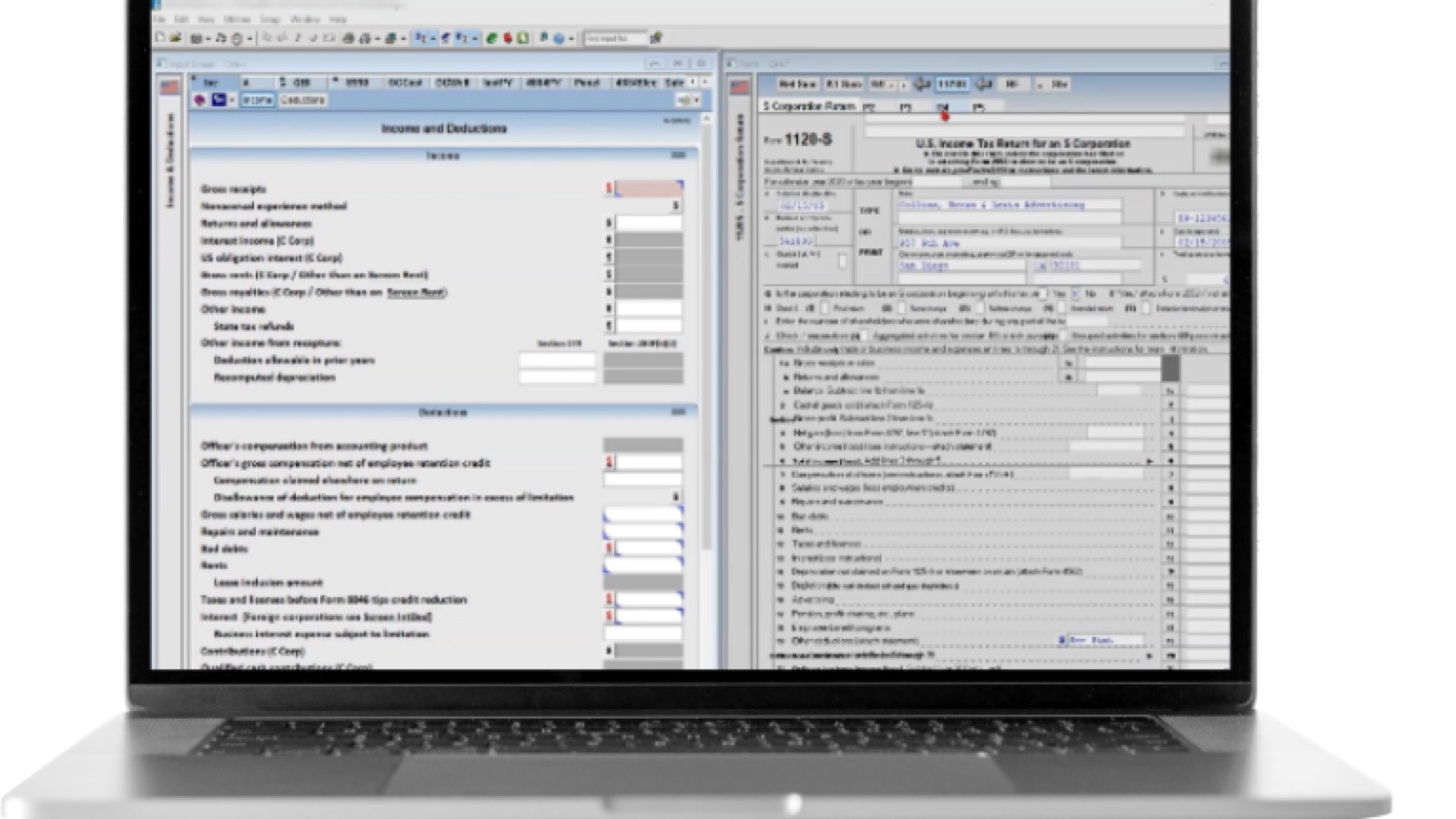
- Multi-monitor input/form/prior-year view is a real productivity feature preparers miss elsewhere
- Thomson Reuters research (Checkpoint) integration for firms that live in it
Cons
- Custom-quote pricing, widely reported as premium and rising at renewal
- The full value requires buying into the whole CS suite — as a standalone it is expensive gravity
- On-prem/hosted desktop architecture; the cloud story is virtualization, not native
- Getting data out without Thomson Reuters tooling is painful; no open API
Who UltraTax CS is for — real-world scenarios
The mid-size firm standardized on CS Suite
Ten to fifty staff already running Practice CS and Workpapers. UltraTax is the default tax engine for this profile — the suite integration does work the way the brochure says.
The complex-returns firm outside the Intuit orbit
Firms that need Lacerte-class depth but have a Thomson Reuters relationship (or a Checkpoint dependency) pick UltraTax and accept the pricing conversation.
Bottom line
A top-tier tax engine that makes most sense as the centerpiece of the CS Suite. Buy it for the depth and the suite; budget for the renewal letters. Firms without suite ambitions can get similar depth with less lock-in elsewhere.