
DueDateHQ
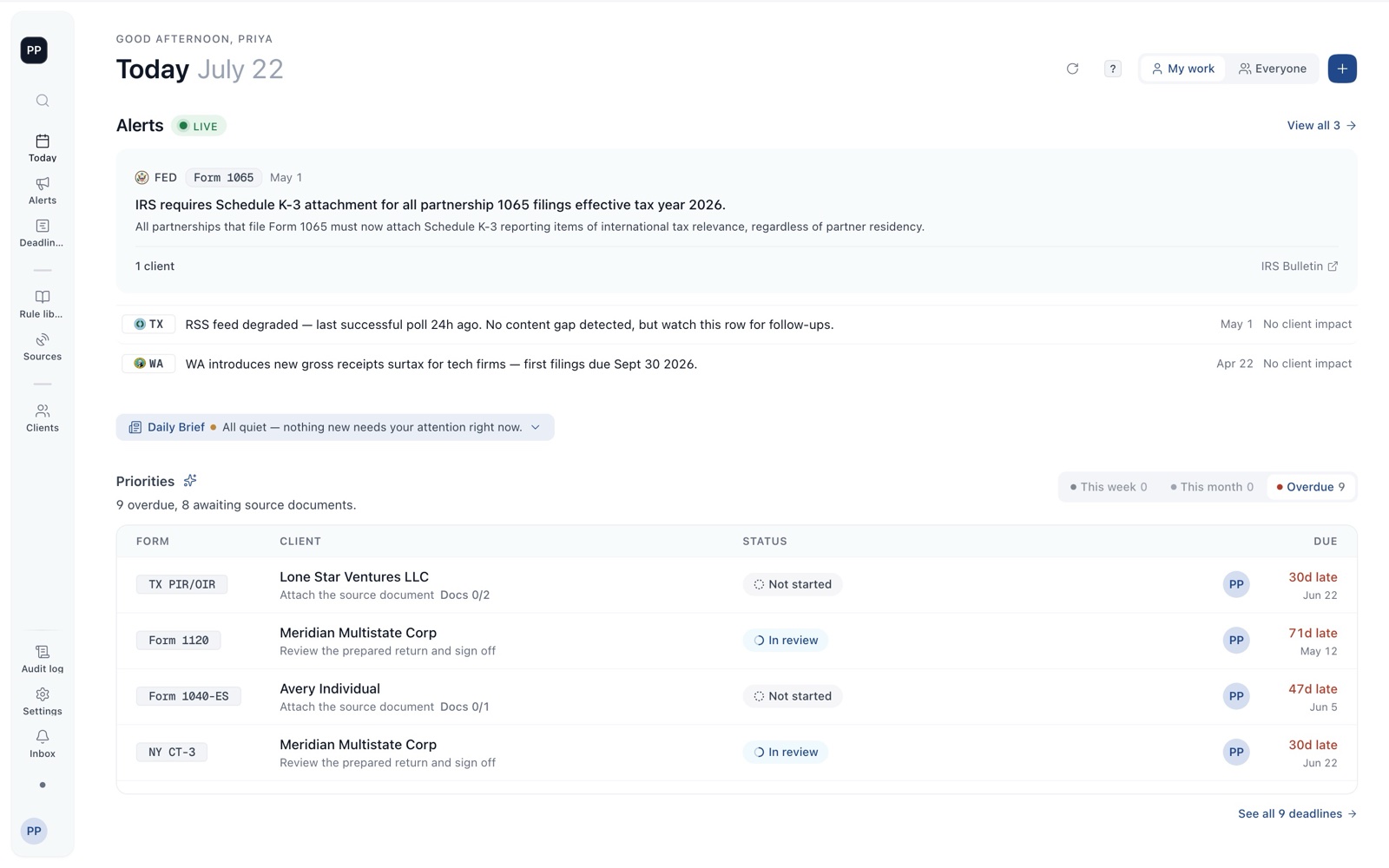
Monitors the IRS, states, and FEMA and flags which clients a filing-date change hits. Free in beta.
Disclosure: DueDateHQ is built by the team that maintains this guide. Its facts table and this review follow the same rules as every other tool here — and we say so wherever it appears.
| Category | Deadline & Compliance Tracking |
|---|---|
| Best for | Solo · small firms |
| Pricing | Free · beta |
| Integration | No API yet |
| Official site | duedatehq.com |
How it connects. It has no public API yet. Compare every tool by integration openness →
DueDateHQ pros and cons
Pros
- Actively monitors the official sources (IRS, state agencies, FEMA) instead of holding a static calendar — the category’s reason to exist
- Maps each rule or date change to the specific clients it affects, rather than announcing news and leaving the triage to you
- Every alert carries its official source, so review is evidence-backed instead of trust-based
- Tool-agnostic layer: works alongside whatever practice management or tax software the firm already runs
- Free during beta
Cons
- Young product from a small team — a fraction of the operating history of a File In Time or ONESOURCE
- A monitoring layer, not a full practice-management suite: no e-sign, portals, or billing, by design
- US federal and state scope only
- Beta means the roadmap is still moving
Who DueDateHQ is for — real-world scenarios
The firm that got burned by a moved deadline
A state pushed a deadline during disaster relief; the firm’s tracker held the old date and clients called first. An active monitoring layer exists precisely so the firm hears it from the source before the client does.
The multi-state book with change exposure
Clients across many states means many agencies that can each move a date. Watching them manually does not scale; subscribing to the changes and seeing "which of my clients does this touch" does.
Bottom line
The active-monitoring counterpart to static trackers: pick it for hearing about deadline and rule changes from the official source with your affected clients attached. It deliberately does not replace a practice suite — it layers on top of one. (Disclosure below: this is our product.)