Pi
Pixie
Practice Management · Solo · small
Simple practice management for small firms: client database, jobs, and email.
| Category | Practice Management |
|---|---|
| Best for | Solo · small firms |
| Pricing | From $129/mo |
| Integration | Zapier only |
| Official site | www.usepixie.com |
How it connects. It has no direct API; it connects to other tools through Zapier. Compare every tool by integration openness →
Pixie pros and cons
Pros
- Flat monthly price for the whole firm — per-user math disappears
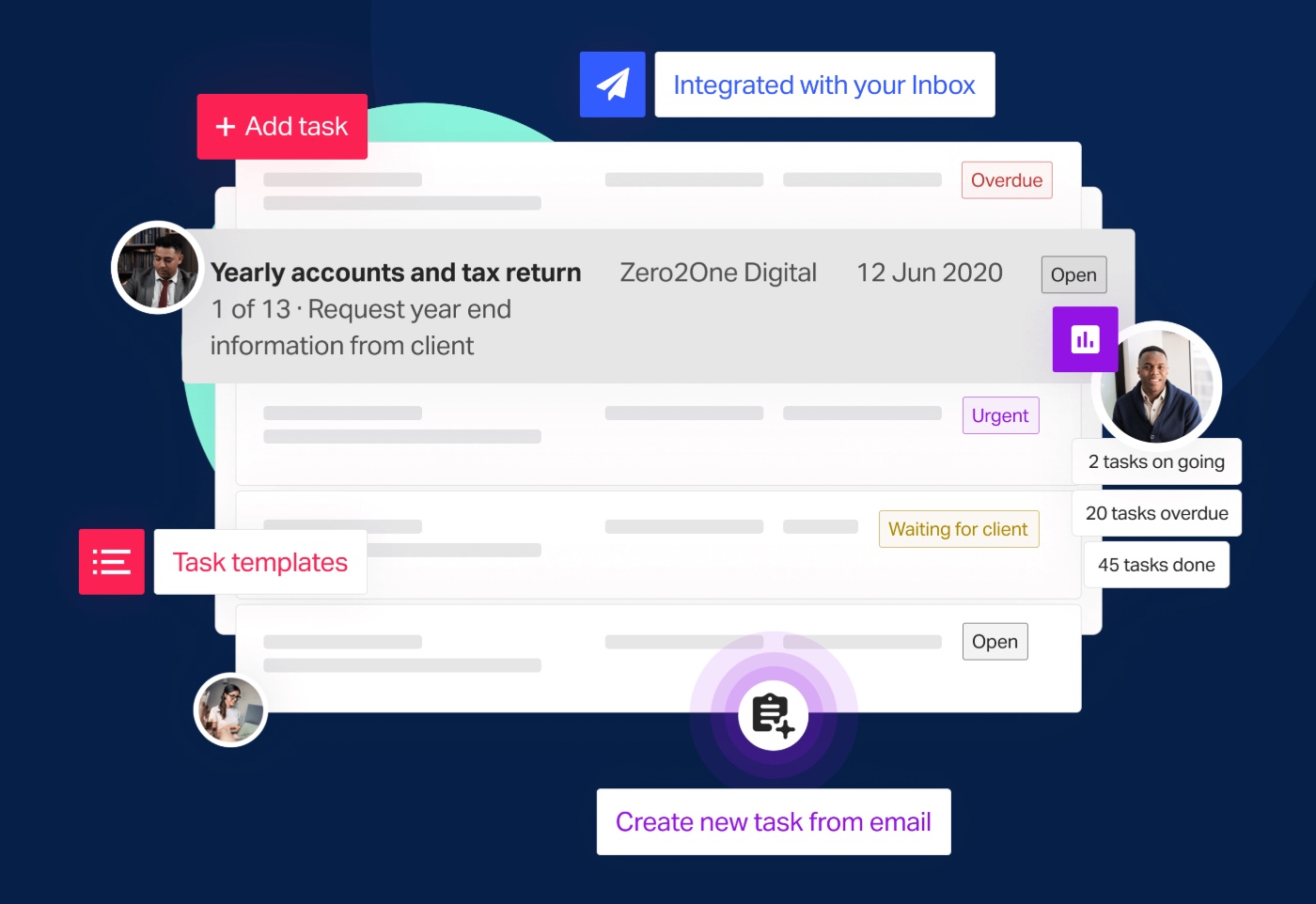
- Email-integrated task and client tracking in a deliberately simple package
- Minimal setup; small firms are running in an afternoon
- Built-in client request chasing without automation programming
Cons
- Flat price is only a bargain past a few users — tiny teams may pay more than per-user rivals
- Simplicity ceiling: light reporting, light workflow customization
- No public API
- Smaller vendor with a narrower ecosystem
Who Pixie is for — real-world scenarios
The five-person firm allergic to per-seat pricing
Growing headcount without renegotiating software spend every hire — the flat fee is the entire pitch, and it lands.
The email-native micro firm
Work arrives by email and the firm wants tasks born from those emails without adopting a heavyweight triage platform.
Bottom line
A simple, flat-priced practice manager for small email-driven firms. Do the per-user arithmetic at your headcount first; the answer decides between Pixie and Financial Cents more than features do.