
TaxDome
All-in-one practice management with a client portal, e-signature, and invoicing.
| Category | Practice Management |
|---|---|
| Best for | Solo · mid firms |
| Pricing | From $67/user/mo · 10,000+ firms |
| Integration | Open API |
| Official site | taxdome.com |
How it connects. It offers a self-serve public API, so it is among the easiest tools here to connect to. Compare every tool by integration openness →
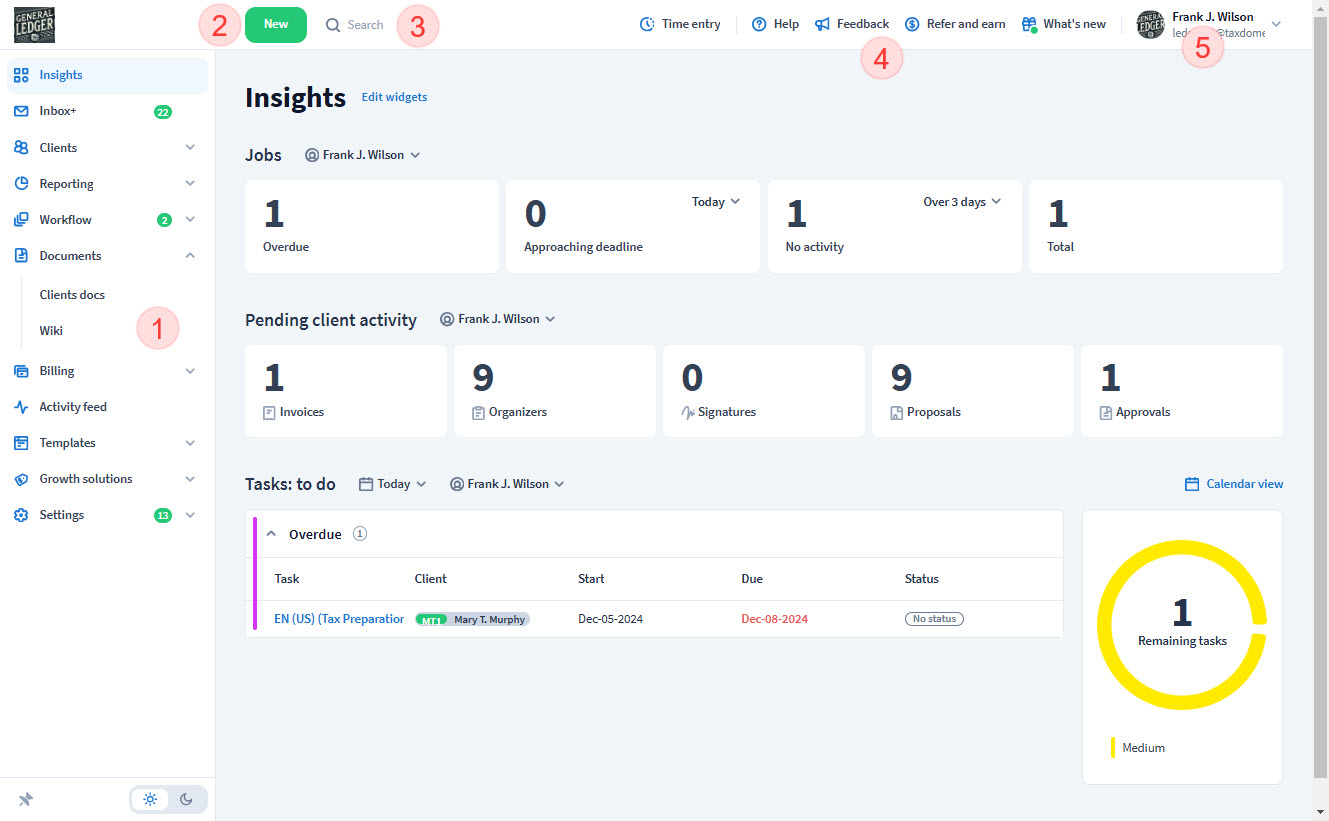
TaxDome pros and cons
Pros
- Widest all-in-one span in its price class: portal, CRM, workflow, e-signature, payments, and document management in one subscription
- Client portal and mobile app are genuinely strong — clients actually use them
- Unlimited e-signatures and contacts rather than per-envelope fees
- Self-serve API keys available, unusual for all-in-one suites
Cons
- Breadth over depth: individual modules are lighter than the point tools they replace
- Dense, option-heavy interface with a real setup investment
- Pricing favors multi-year commitments; month-to-month flexibility costs more
- Workflow automation is capable but less elegant than Karbon’s for email-driven firms
Who TaxDome is for — real-world scenarios
The firm replacing four subscriptions with one
Separate portal, e-sign, CRM, and task tools — four logins, four invoices. TaxDome’s pitch is that consolidation, and for small firms the math usually works.
The client-experience-first practice
A firm competing on being easy to work with: branded portal, mobile app, digital signatures, online payment in one flow. This is TaxDome’s strongest face.
Bottom line
The consolidation play. Best value in its class if you will actually use four of its modules; a heavier lift than a focused tool if you only need one. Compare against Karbon when workflow depth matters more than breadth, and against Canopy when document management leads.